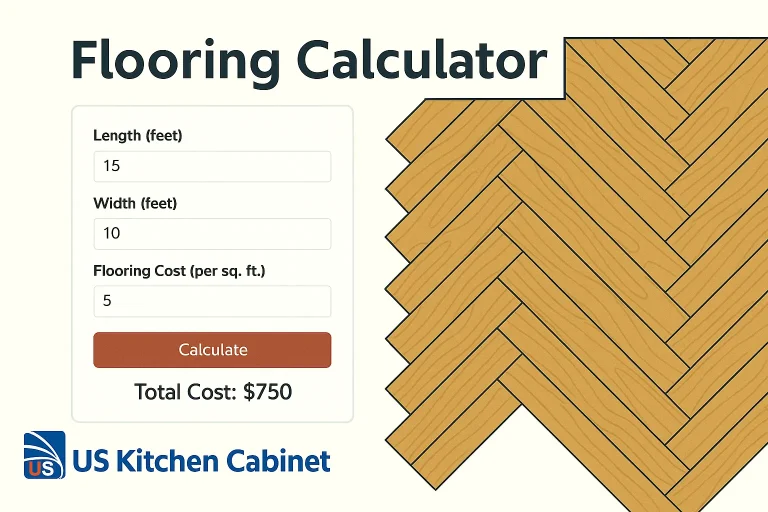
Planning a flooring project for your home or workspace? Whether you’re laying hardwood, tile, vinyl, or laminate, one of the first steps is figuring out how much flooring material you need and what it will cost.
The Flooring Calculator makes that easy. With just a few measurements, you can accurately calculate the total floor area, add a waste margin, and estimate the cost of materials based on your preferred pricing unit.
What Is a Flooring Calculator?
A flooring calculator is a measurement tool that estimates how many square feet (or square meters) of flooring material you’ll need based on:
Room dimensions
Flooring type
Waste allowance
Number of rooms
It’s the simplest way to plan your material purchase accurately saving you both time and money.
Flooring Calculator
Floor size details
Flooring cost
%
m²
$
How the Flooring Calculator Works
The calculator is divided into two main sections:
Floor Size Details
Flooring Cost Estimation
Here’s a breakdown of what each section does:
Section
What You Enter
What It Does
Floor size details
Room length & width (in cm, m, ft, in, or ft+in)
Converts inputs into meters, calculates area, and displays in m² or ft²
Flooring cost
Waste factor (%) and price per unit area (m² or ft²)
Adds waste margin, calculates total material needed, and estimates total cost
✅ Supports Multiple Units:
Length/width inputs in meters, centimeters, feet, inches, or a combination of feet & inches
Area displayed in either square meters (m²) or square feet (ft²) your choice
🧮 Flooring Calculator in Action: Step-by-Step
Input the room’s length and width
Choose your preferred unit of measurement
Optionally use ft/in split input for precision
Choose your display unit
Decide if you want the area shown in m² or ft²
Enter the waste factor
Typically 5–10% is recommended to account for cutting, trimming, and pattern matching
Add your price per unit area
Enter the cost per m² or ft² based on your material vendor
Click “Calculate”
The calculator displays:
Room area
Total material required (including waste)
Total estimated cost
Why Use a Flooring Calculator?
Using a flooring calculator helps you:
Avoid overbuying or material shortages
Plan your project more efficiently
Stay on budget with clear cost expectations
Easily compare different flooring types and prices
Who Should Use It?
Homeowners planning a DIY flooring job
Contractors and designers quoting client jobs
Real estate professionals calculating renovation budgets
Suppliers or stores offering installation estimates
Pro Tip 💡:
Don’t forget to check with your flooring supplier if their planks or tiles require a minimum order or come in packs. Always round up your final total slightly to ensure you have enough material.
Final Thoughts
The Flooring Calculator is the fastest way to turn your room measurements into real numbers square footage, required materials, and total cost all with just a few clicks.
Whether you’re covering one room or an entire house, this tool ensures your flooring project is well-planned, cost-efficient, and stress-free.
👉 Try it now and take the first step toward your next flooring upgrade!

 Skip to content